Password protect project

 
Main: Project > Settings > Password Protect Project

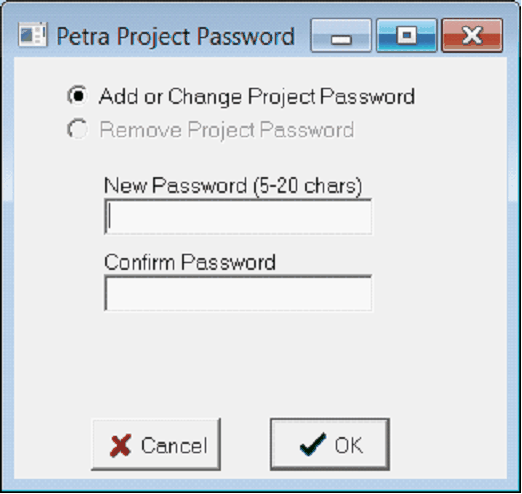
The Password Protect Project window adds a password to a project.  Users cannot open the project without the password.

Adding or changing Password
  1. Select "Add or Remove password".
  2. Enter a new password into:
  • "New Password"
  • "Confirm Password"
  1. If changing password, enter the old password into the "Current Password".
  2. Click OK.
Removing a Password
  1. Select "Remove Project Password" .  
  2. Enter the current password.
  1. Click OK.