Tops Old Display Options |
|
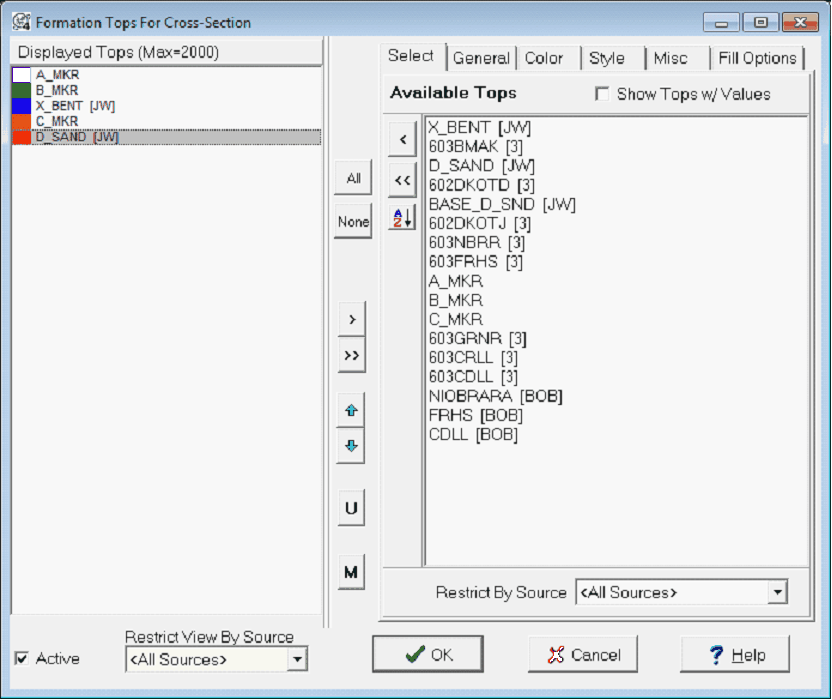
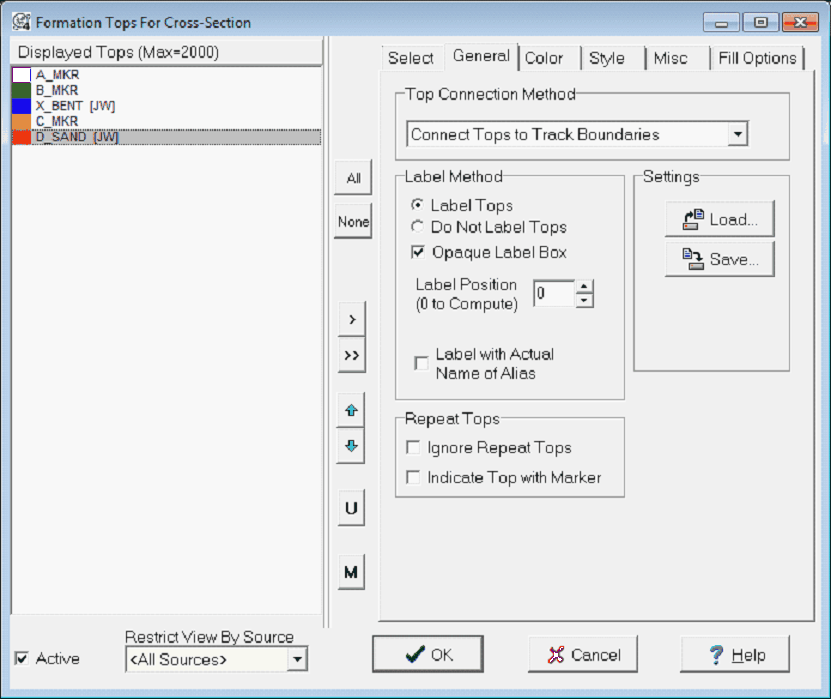
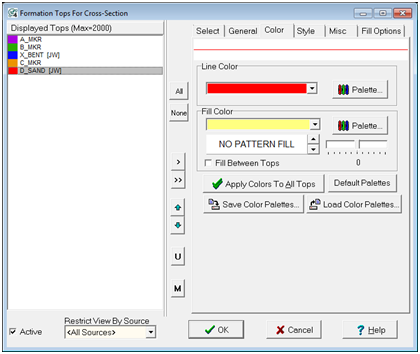
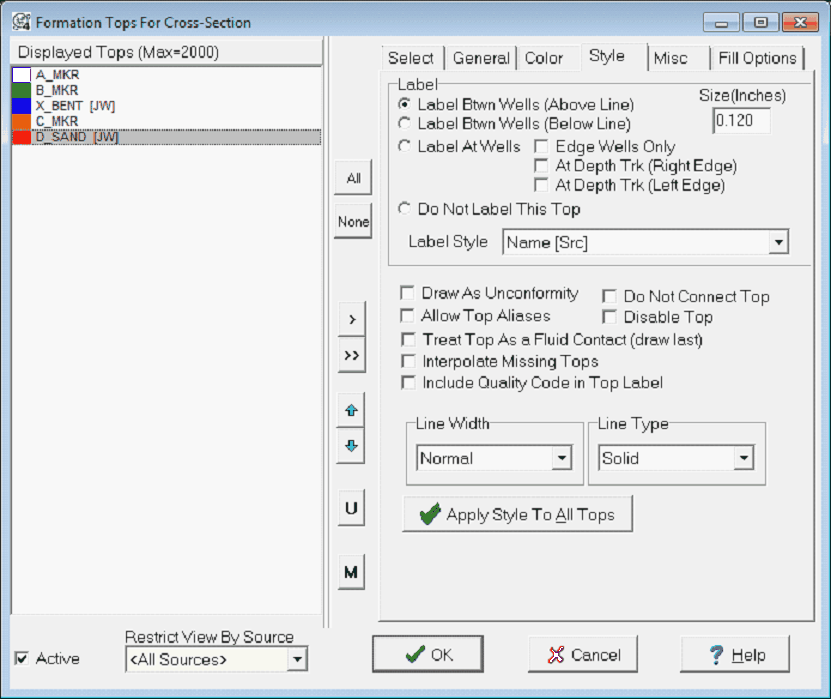
The Formation Tops For Cross-Section Tool defines how the Cross Section Module displays formation tops. The Select tab sets the tops to display on the cross section. The General tab sets options that apply to all displayed tops while the Color tab and Style tab customize individual tops. Select tabThe Select tab adds and removes tops from the Cross Section Module's display.
General tabThe general tab options apply to all selected tops.
Color tabThe color tab sets color and shading options for the selected top on the Displayed Tops List.
Style tabThe style tab contains options for setting the line style and labeling options for individual tops. For each top, first select the top from the "Tops To Display" by clicking on the top names.
The Formation Tops for Cross Section Style tab Label tab
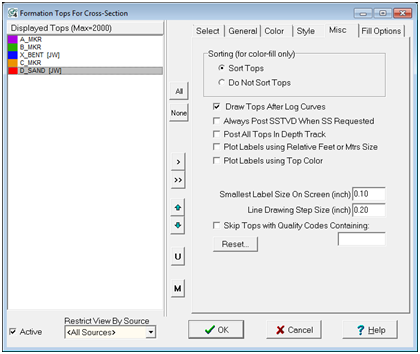
Misc tab
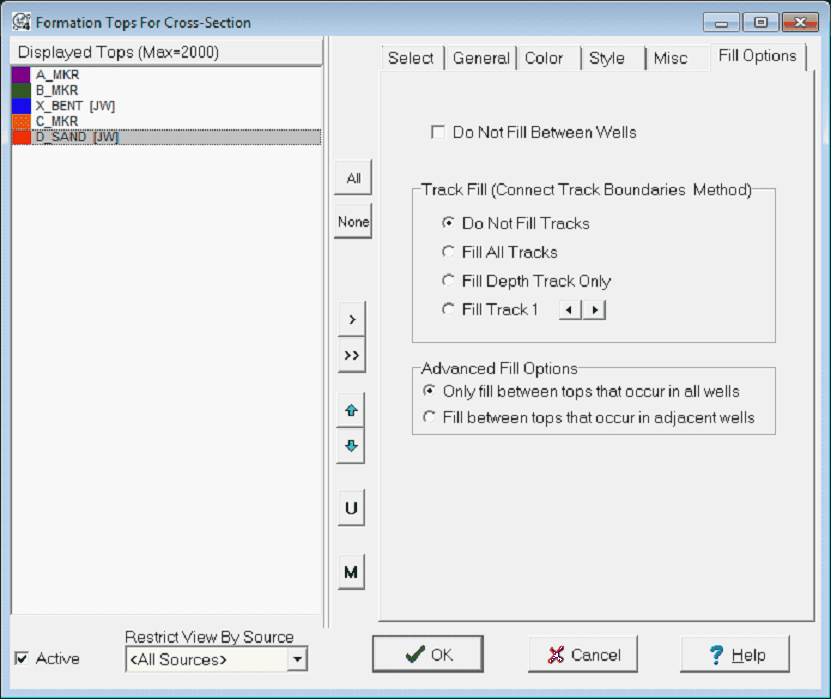
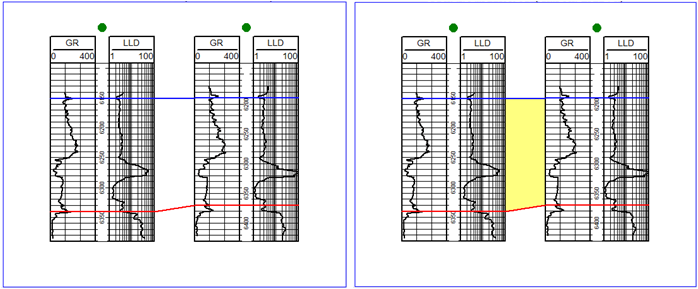
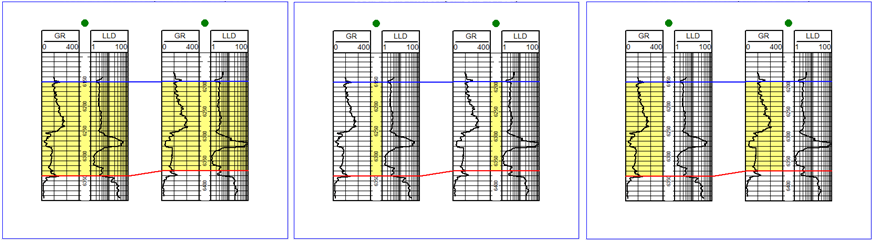
Fill Options tabThe Fill Options tab changes how Petra draws fill between formation tops.
|