Production Normalization Report tab |
Report tab
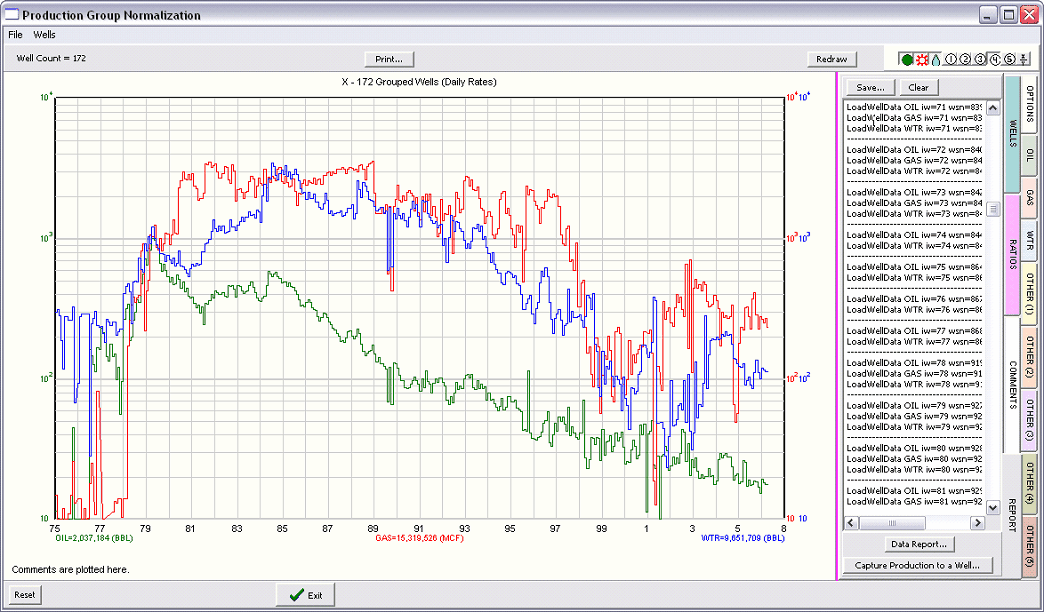
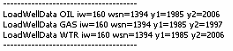
The Report tab shows and exports detailed information about the monthly production data. The text on the tab gives a brief report for the production streams for each well. This report gives the name of the production stream, the wsn, and years of first and last production.
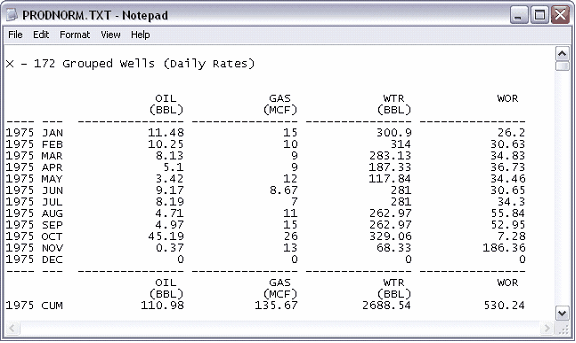
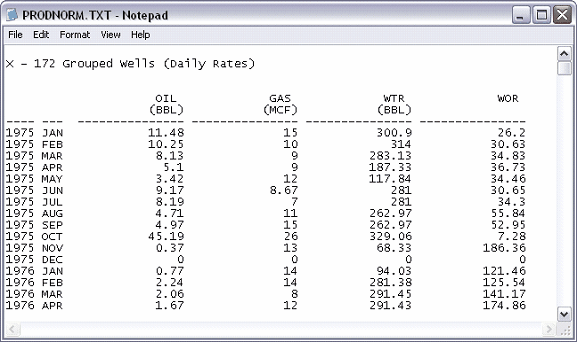
Data Report This button generates a text file containing the data displayed on the screen. In other words, the text file contains the same normalized and averaged data as on the screen, as well as any calculated ratios. Normally, this report also includes cumulative values for the end of each year. To suppress these cumulative values, check the Suppress Yearly Cums box on the Options tab (see above).
With Yearly Cums (Left) and with Yearly Cums Suppressed (Right) Capture Production to a Well - This stores the displayed production and ratio data to a well. Most often this data should be stored to a fake or placeholder well. Once stored to a well, you can use the production analysis tool to fit a decline curve or calculate the average date when an economic limit is reached. These placeholder wells containing aggregate production data can also be re-selected inside the Group Production tool, allowing you to compare different populations of wells to each other. |